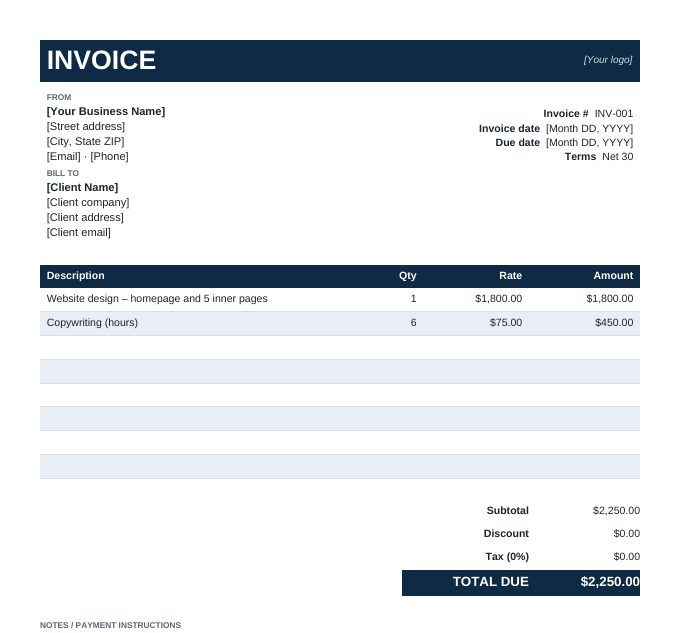
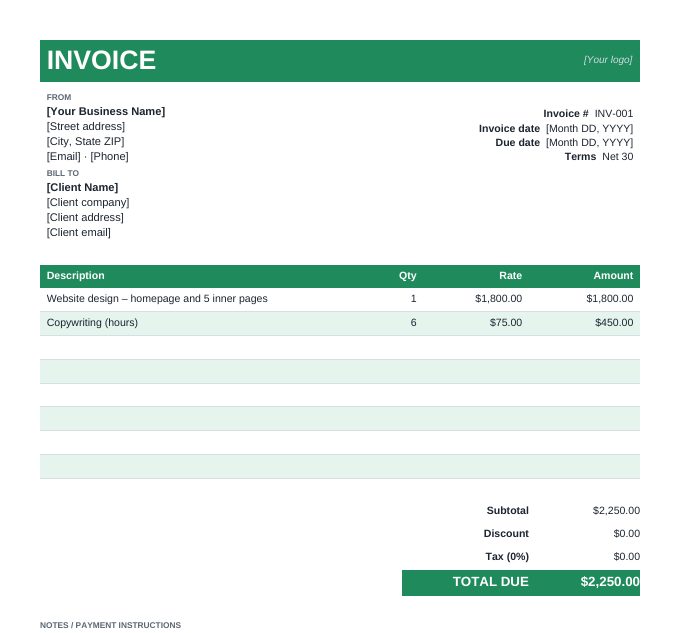
How to use the Word invoice template
- Download the design you like and open it in Microsoft Word, Google Docs (File › Open › Upload) or LibreOffice Writer.
- Add your logo by replacing the "[Your logo]" text in the header bar: Insert › Pictures.
- Replace every [bracketed] item with your business and client details, invoice dates and payment terms.
- Edit the line items. Overwrite or delete the two example lines; there are six empty rows, and you can add more with Layout › Insert Below.
- Update the totals. Word tables don't calculate automatically, so add up the amounts yourself – or use the Excel version, which does the maths for you.
- Save as PDF (File › Save As › PDF) and email it. Clients expect a PDF, and it can't be edited by accident.
Word, Excel or online – which should you use?
| Option | Best for | Totals |
|---|---|---|
| Word template | Writing longer descriptions or terms; matching your existing Word documents | Typed by hand |
| Excel template | Many line items, hourly billing, tax and discounts | Automatic formulas |
| Online generator | The fastest result: 30 designs, logo upload, 50 industry templates | Automatic, live preview |
What every invoice needs
Whichever template you use, include a unique invoice number, the invoice and due dates, your details and the client's, an itemised list of work with quantities and rates, the total due, and clear payment instructions. Our step-by-step guide on how to write an invoice covers each field, and how to number invoices explains numbering formats.
Looking for a template with line items for your trade? Browse 50 industry invoice templates – construction, IT, photography, consulting and more.
Frequently asked questions
Are these Word invoice templates free?
Yes. Both designs are free to download, edit and use for personal or commercial invoicing, with no sign-up or email required.
Do they work in Google Docs?
Yes. In Google Drive choose New › File upload, then open the .docx with Google Docs. The layout and colours carry over.
Can Word calculate the invoice total?
Word tables can use simple formulas, but they don't update automatically and are easy to break. For automatic totals use the Excel template or the online invoice generator.
Is the template A4 or US Letter?
US Letter. To switch to A4 in Word, go to Layout › Size › A4; the design fits on one page either way.